Signing Up for a Free Salesforce Einstein Discovery Account
To sign up for a free Salesforce Einstein Developer account:
- Go to developer.salesforce.com/promotions/orgs/analytics-de.
- Fill out the form using an active email address. Your username must also look like an email address and be unique, but it doesn’t need to be a valid email account. For example, your username can be yourname@analyticsrocks.de, or you can put in your company name.
- After you fill out the form, click Sign me up. A confirmation message appears.
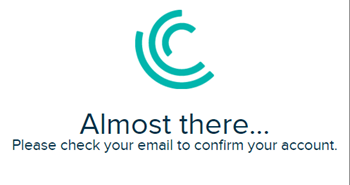
- When you receive the activation email, open it and click the link.
- Complete your registration, and set your password and challenge question.

Tip
Write down or remember your credentials. To log in, just go to login.salesforce.com. - Click Save. You’ll be logged in to your Salesforce Einstein Developer Edition org and redirected to the Setup page. This org has Einstein Discovery enabled, as well as other Einstein features, such as Analytics, enabled.
58 comments